ShortQuts
VoiceQ Automation Engine by ScriptFlip
(SCROLL)
Supercharge Your VoiceQ Workflow
ShortQuts allows you to easily automate repetitive, manual parts of adapting in VoiceQ across many areas, from importing and exporting files, navigating the UI, tagging lines, adding reactions, and moving around the timeline.
Easily insert pre-formatted reactions with a single key-press, instantly begin re-writing a line without having to click any buttons, leave an ALT tag or a note, or change the highlight color of a line with a single
shortcut.
Each automation has been developed from scratch to work specifically with VoiceQ, and rigorously tested to ensure reliability on any system.
Easily insert pre-formatted reactions with a single key-press, instantly begin re-writing a line without having to click any buttons, leave an ALT tag or a note, or change the highlight color of a line with a single
shortcut.
Each automation has been developed from scratch to work specifically with VoiceQ, and rigorously tested to ensure reliability on any system.
Work Your Way
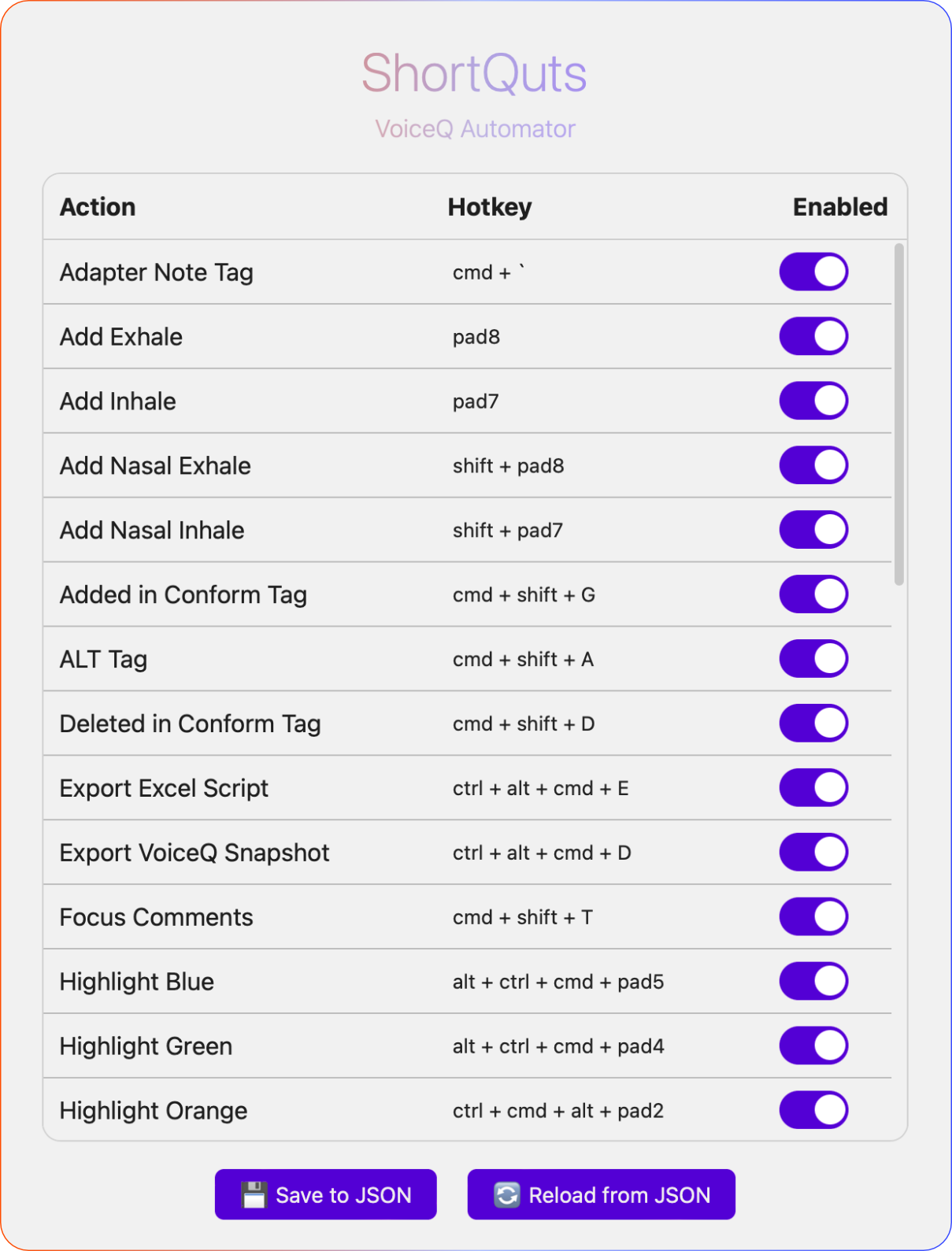
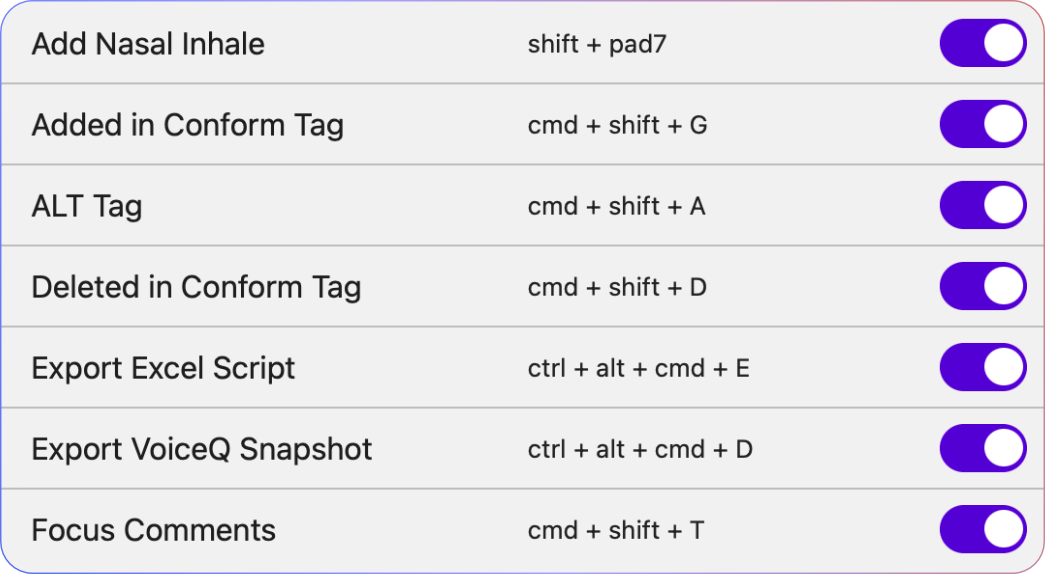
While each automation is pre-built, you can customize your keybindings for each of them to fit with your workflow.
You can also enable or disable any automation, allowing you to manually configure what you need, and what you don't.
The automations aren't dependent on your VoiceQ column-order, screen size, what keyboard you're using, or any other similar variables; they reliably work the same way, everywhere.
You can also enable or disable any automation, allowing you to manually configure what you need, and what you don't.
The automations aren't dependent on your VoiceQ column-order, screen size, what keyboard you're using, or any other similar variables; they reliably work the same way, everywhere.
✳︎
Frequently asked questionS
Does SHORTQUTS connect to, or need the internet to function?

is this an 'ai' thing?
I'M GETTING AN 'ACCESSIBILITY' POP-UP WHEN I LAUNCH SHORTQUTS, WHAT'S THAT?
Is this free? Will you start charging for this?
DOES THIS WORK WITH EVERY VERSION OF VOICEQ?
CAN I MAKE MY OWN Automations?